

You are trying to add a new logger to your Clever Logger system. You have pressed the Add Location button, but no loggers are showing up in the list.
Note that it can take up to a minute from when you turn on the logger until it appears in the list.
Check that the gateway is plugged in and the power light is lit.
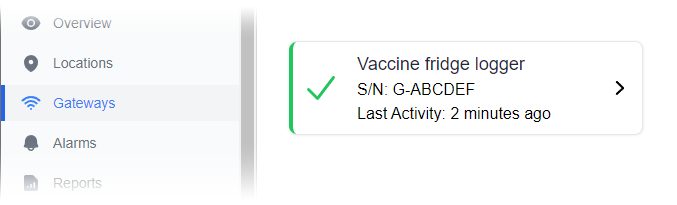
In the Clever Logger Dashboard, go to Gateways and check that your gateway is Online.
The logger and the gateway need to communicate with each other, so they need to be within range. In practical terms, this means they need to be in the same room.
Move the logger close to the gateway and see if the logger then appears in the list.
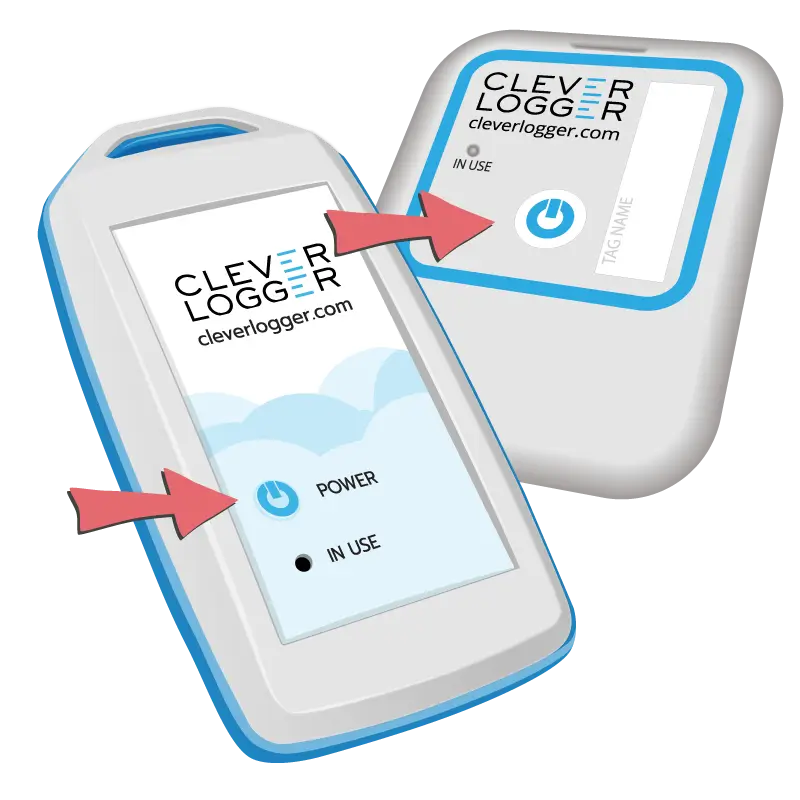
Press and hold the power button until the IN USE light comes on
Loggers have a raised power button on the front.
Press and hold the button until the In Use comes on. Depending on the model, this will be between one and five seconds.
In general, loggers can’t be turned off once they are running.

The National Association of Testing Authorities (NATA) is the recognised national accreditation authority for analytical laboratories and testing service providers in Australia. It is an independent, not-for-profit organisation that provides independent assurance of technical competence.
NATA accredits organisations to perform testing and inspection activities for their products and services. This gives consumers the assurance they need to make safe, healthy and reliable choices .
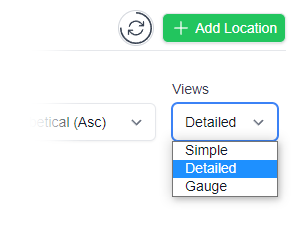
In the top right corner of the Location page, you will find the View chooser.
There are three options: Simple, Detailed and Gauge.

Simple View
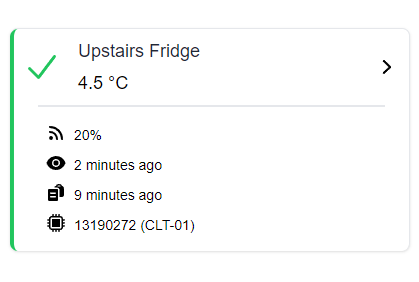
Detailed View
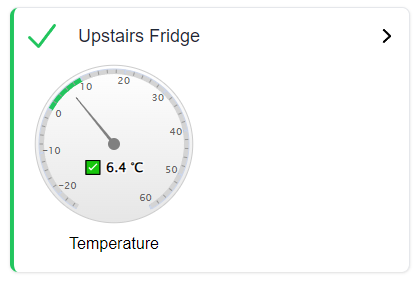
Gauge View
| QUICK SPECS | |
|---|---|
| Model | CLD-01 |
| Type | Temperature only with Dual Sensors |
| Temperature Range | Internal sensor: -23°C to +60°C External sensor: -40°C to +80°C |
| Humidity Range | N/A |
| Battery Type | CR2450 |
| Battery Life | Replace every 12 months |
| Accuracy |
Internal Sensor: ±0.3℃ (0℃ to +60℃) ±0.3℃ to ±0.7℃ (other temperatures) External Probe: ±0.5℃ (-20℃ to +40℃) ±1℃ (other temperatures) |
| Offline Memory | approx 24 days logging at 5 minute intervals |
| QUICK SPECS | |
|---|---|
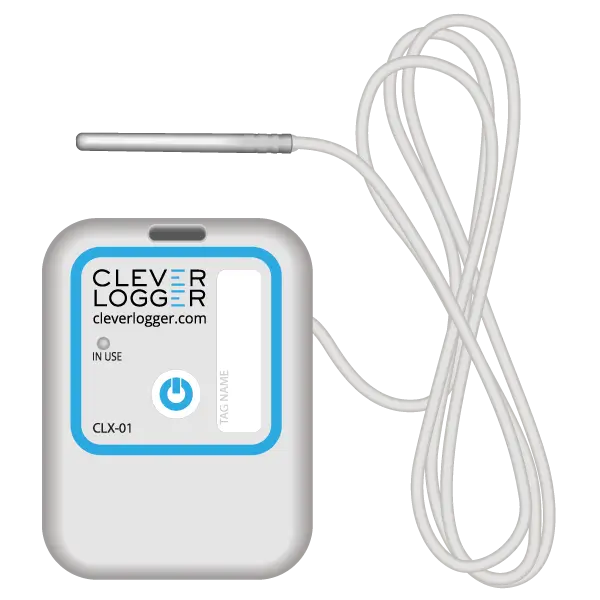
| Model | CLX-01 |
| Type | Temperature only with Probe |
| Temperature Range | -40°C to 60°C Can operate up to 80°C for short periods |
| Humidity Range | N/A |
| Battery Type | CR2450 |
| Battery Life | Replace every 12 months |
| Accuracy | ±0.5℃ (-20℃ to +40℃) ±1℃ (other temperatures) |
| Offline Memory | approx 24 days logging at 5 minute intervals |
To prove it, we’ll send you a Starter Kit to try out for a whole month.
Set it up, have a play, explore the features – obligation free.
If you love it, just let us know.
If not, just send it back.